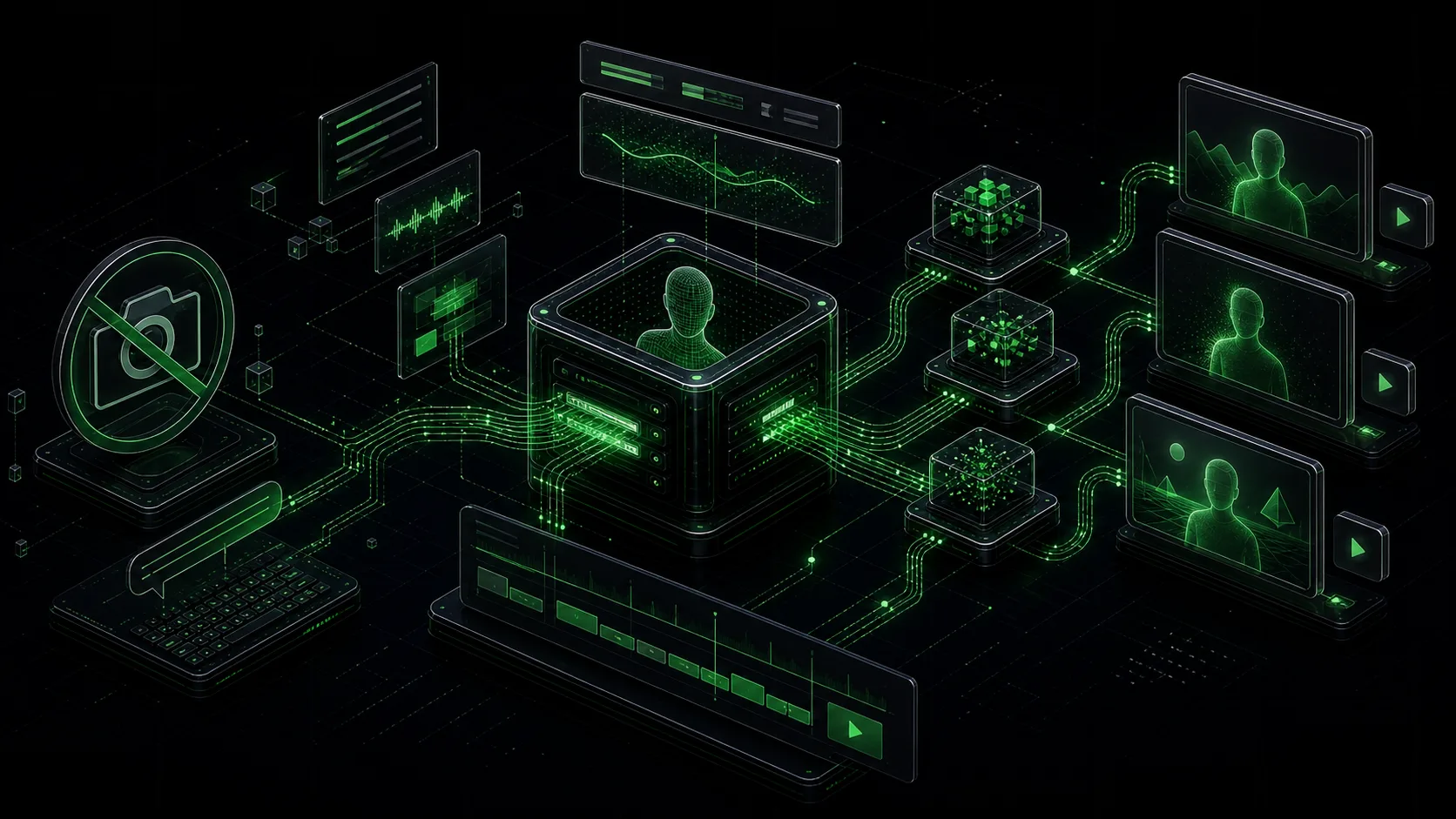
Quick Answer
If you avoid posting video because you hate filming yourself, an AI avatar clone fixes that permanently. Record one 15-second webcam clip. The AI builds a digital version of you that speaks, gestures, and lip-syncs whatever script you type. You never touch a camera again. HeyGen's free tier lets you generate 3 videos per month. Over 500,000 creators already use it. The full setup takes under 30 minutes.
Definition
A digital replica of your face, voice, and mannerisms generated from a short webcam recording. You type a script, the AI renders a video of "you" delivering it — matching your expressions and lip movements. After the initial 15-second clip, no filming is required.
You Know You Need Video. You Cannot Bring Yourself to Film It.
You have the ideas. You know what to say. You have watched other creators blow up with talking-head content and thought: I could do that.
Then you open your camera app and close it 30 seconds later.
Maybe it is the lighting. Maybe it is hearing your own voice played back. Maybe you just spent 20 minutes getting ready, recorded three takes, hated all of them, and gave up. Again.
This is not a motivation problem. It is a format problem. The format demands that you film yourself every single day — and you are not willing to do that. So you post nothing.
Meanwhile, a creator on Instagram filmed herself once. One time. Then she posted a video that got 6 million views. In the video, she changed outfits mid-sentence, swapped backgrounds, and then showed two copies of herself side by side. The reveal: it was not her. It was her AI clone.
She recorded a 15-second webcam clip. The AI did the rest.
What an AI Clone Actually Replaces
| What you hate doing | What the clone does instead |
|---|---|
| Setting up camera, lights, and mic | Not needed — one webcam clip, one time |
| Multiple takes and re-recordings | Type the script, click Generate, done |
| Editing footage for hours | AI renders a finished video in 30 minutes |
| Getting camera-ready every day | Clone uses your face from the original clip |
| Hearing your voice and cringing | Clone speaks naturally — you just type |
| Posting inconsistently because filming is draining | Generate a week of videos in one sitting |
Traditional video production runs $10,000–$50,000 per video and takes 2–4 weeks. AI clones cut that by 70 percent. But for camera-shy creators, the real savings are not financial — they are emotional. You stop dreading content day.
How the 15-Second Setup Works
HeyGen launched Avatar V in April 2026. It takes a 15-second webcam clip and builds a photorealistic clone that captures your facial expressions, lip movements, and speaking patterns.
You record yourself once — in whatever you are wearing right now, in whatever room you are sitting in. That clip trains your AI clone. From that point forward:
- You type a script
- You choose an outfit and background for the clone
- You click Generate
- A finished video renders in under 30 minutes
No camera. No editing. No second take. No dreading tomorrow's content.
The free tier gives you 3 videos per month. The Creator plan at $29 per month unlocks unlimited generation. Either way, you film yourself exactly one time.
The AI Clone Stack
We call this workflow the AI Clone Stack — a 5-step setup that takes you from camera-shy creator to daily video publisher. One 15-second recording. Unlimited videos after that.
The full stack — including script templates, Claude Code prompts for generating scripts at scale, and a daily production checklist — is inside the Free AI Content Creator Kit. It walks you through every click so you go from zero to published video in one sitting.
Key Takeaways
- You do not need to film yourself to post video content — a 15-second webcam clip creates a permanent AI clone
- Over 500,000 creators already use AI avatars instead of daily filming
- HeyGen's free tier generates 3 videos per month with no camera required
- Avatar V (2026) captures your real expressions and lip-sync from a single short clip
- AI clones reduce production costs by 70% but the real win is eliminating the dread of filming
- The AI Clone Stack is a 5-step workflow for camera-shy creators who want daily video output
Frequently Asked Questions
The clone is not a raw recording of you — it is a polished digital version. You control the outfit, the background, the lighting, and even the expressiveness level. Many camera-shy creators find that their AI clone actually looks more "camera-ready" than they feel in person, because the AI normalizes lighting, framing, and delivery consistency. You approve the output before posting, so nothing goes live that you have not reviewed.